Most SEO tools promise to “grow your traffic.” Semrush actually shows you why your traffic isn’t growing — and that’s a different thing entirely.
I’ve spent a fair amount of time inside the platform, and the honest answer to “how does Semrush work” is: it depends on which part you’re using. It’s less of a single tool and more of a research operating system for your entire online presence.
Let me break it down the way I wish someone had explained it to me.
How Does Semrush Work: Quick Answer
Semrush works by pulling data from its own web crawlers, clickstream data, and third-party sources to analyze search rankings, backlinks, competitors, and site health. You enter a domain or keyword, and it surfaces actionable insights — from what your rivals rank for, to why your pages aren’t indexing properly.
It Starts With a Domain or a Keyword
That’s literally where everything begins. You land on the dashboard, type in either your website or a competitor’s, and Semrush starts pulling data.
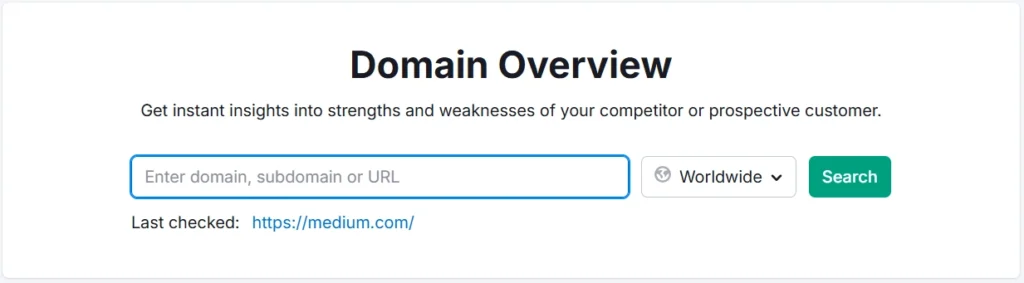
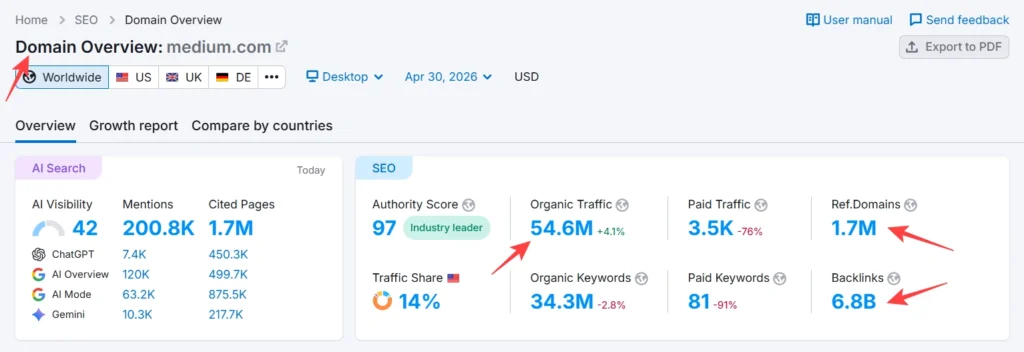
The Domain Overview report gives you a bird’s-eye view: organic traffic estimate, number of ranking keywords, backlink count, paid search activity, and a traffic trend over time. In my testing, entering a mid-size SaaS brand’s domain returned over 40 data points within seconds — from their top organic pages to which countries drive the most visits.
From there, you branch into whichever toolkit matches your goal.
The Keyword Research Side (Where Most People Start)
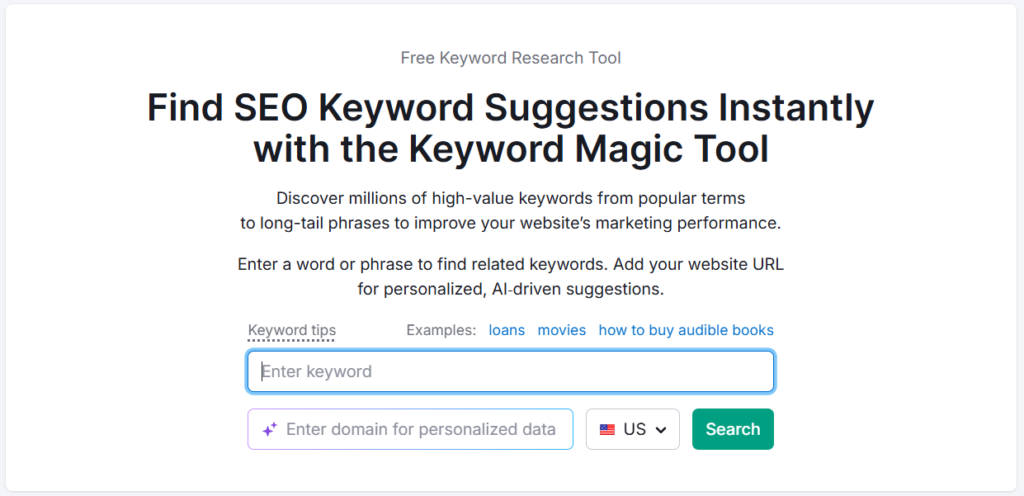
Semrush’s Keyword Magic Tool is probably its most-used feature, and for good reason. Type in a seed keyword — say, “project management software” — and it returns thousands of related terms grouped by topic clusters.
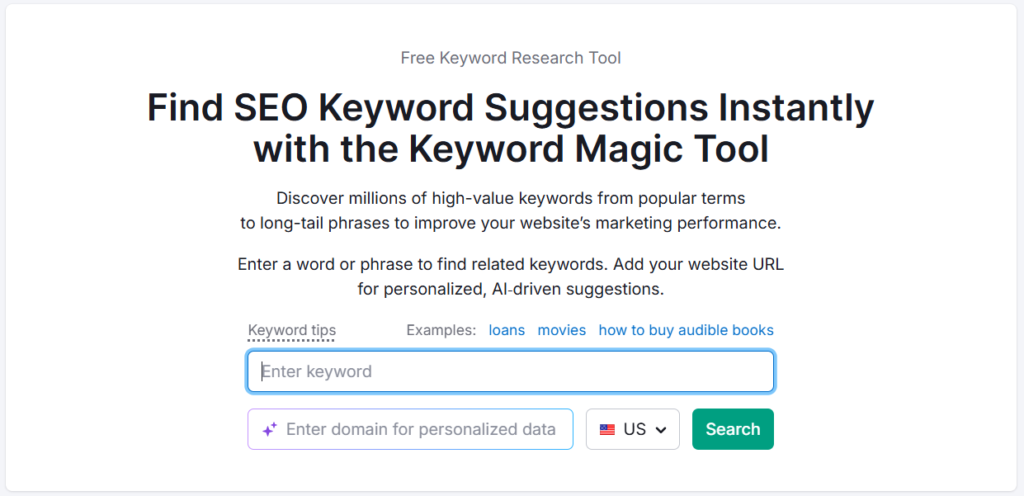
What makes it useful isn’t the volume numbers (you can get those anywhere). It’s the Keyword Difficulty score, the intent labels (informational, commercial, navigational), and the SERP feature filters. You can isolate keywords where featured snippets appear, where video carousels show up, or where the top 10 is weak enough to actually compete.
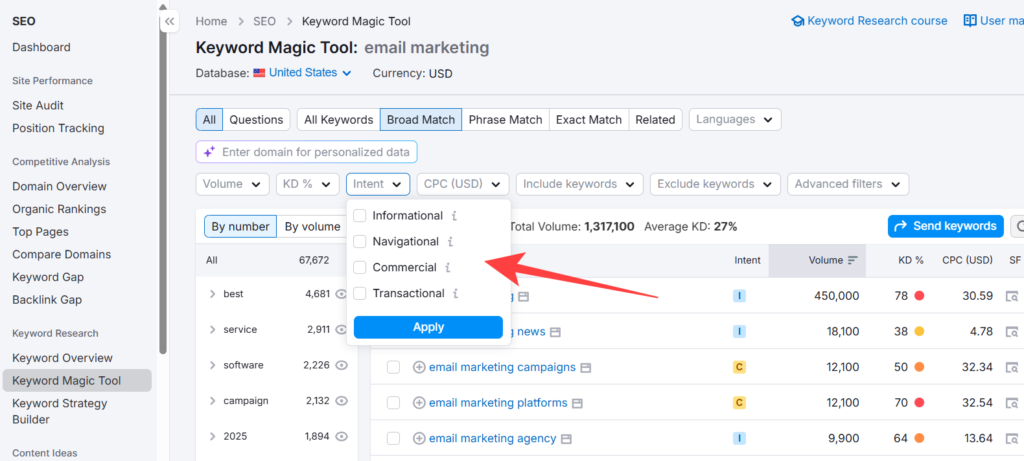
Here’s what most people don’t realize: the intent filter alone can save you weeks of content planning. Filtering for “commercial” intent on a product page versus “informational” for a blog post sounds obvious — but very few people actually do it systematically.
Competitor Research: The Part That’s Genuinely Useful
This is where Semrush earns its price tag, honestly.
The Organic Research tool lets you enter any domain and see exactly which keywords they rank for, which pages get the most traffic, and how their rankings have shifted over time. You’re not guessing what’s working for your competitors — you’re looking at the data.
The Keyword Gap tool takes it further. Enter your domain alongside two or three competitors, and it highlights keywords they rank for that you don’t. These become your content opportunities — filtered, ranked by difficulty, and ready to prioritize.
In one session working on a client’s blog strategy, I found 60+ keywords their two main competitors were ranking for in positions 4–15. That’s low-hanging fruit. Those became the next three months of content.
Site Audit: More Useful Than It Sounds
A lot of people skip the Site Audit tool because “technical SEO” sounds intimidating. Don’t.
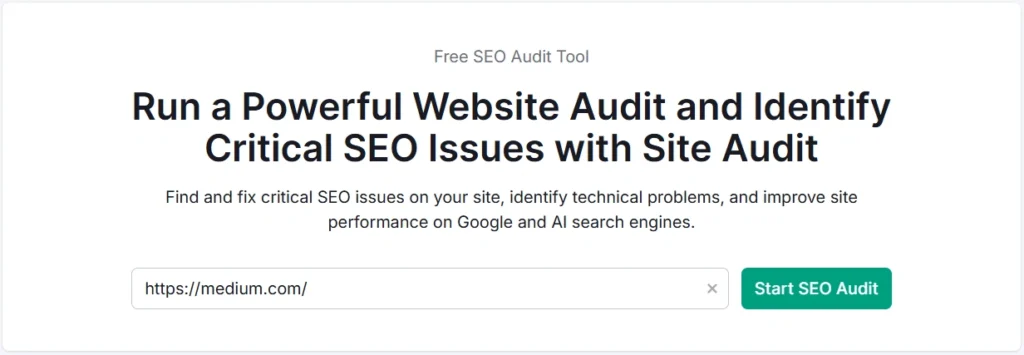
It crawls your entire website and flags issues organized by severity — errors, warnings, and notices. The categories cover everything from broken links and missing meta descriptions to Core Web Vitals problems and hreflang conflicts.
What I appreciate is the issue explanation alongside each finding. It doesn’t just say “page speed issue.” It tells you what’s causing it, why it matters, and often links to a fix. That’s genuinely helpful for someone who isn’t a developer.
If you’re managing a site with 100+ pages, running a monthly audit is one of the best habits you can build.
Backlink Analysis: Yours and Theirs
The Backlink Analytics tool lets you examine any domain’s link profile. You can see who’s linking to your competitors, what anchor text they’re using, which pages attract the most links, and whether those links are follow or nofollow.
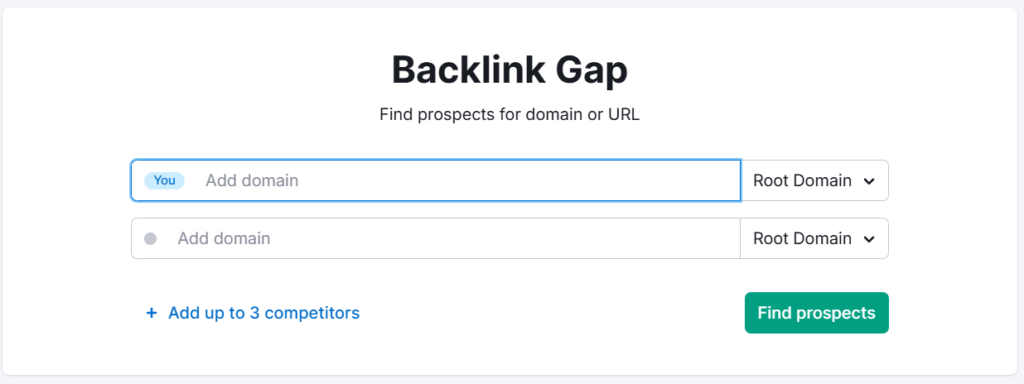
The Backlink Gap tool mirrors the Keyword Gap concept — find sites that link to your competitors but not to you. Those are outreach targets.
One thing worth flagging: Semrush’s backlink index is large but not identical to Ahrefs’. If you’re doing serious link prospecting, it’s worth cross-referencing. That said, for most small-to-mid-size sites, the data is more than sufficient. You can dig deeper into this in the Semrush vs Ahrefs breakdown if that comparison matters for your workflow.
Content Marketing Tools (Often Overlooked)
Beyond keyword research, Semrush has a full Content Toolkit that includes:
- Topic Research — Finds trending subtopics and questions around your focus keyword
- SEO Writing Assistant — Grades your content in real time based on readability, keyword use, tone, and originality
- Content Audit — Analyzes existing pages on your site and flags underperforming content worth updating
The SEO Writing Assistant integrates directly with Google Docs and WordPress, which makes it practical rather than just theoretical.
Position Tracking: Watching Rankings Move
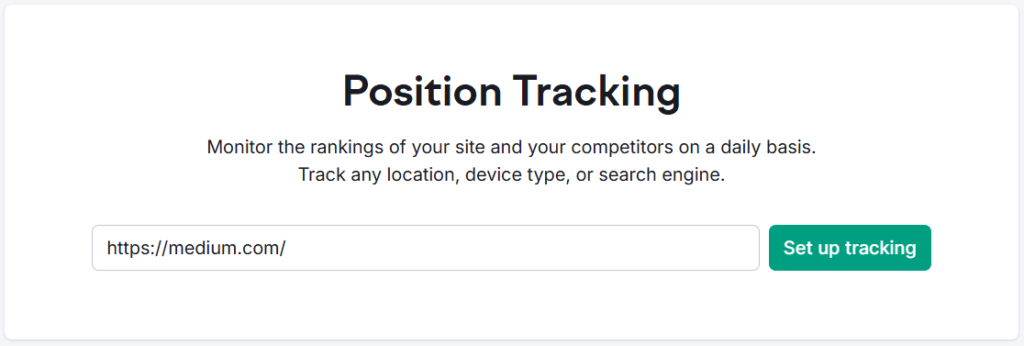
Once you’ve published content, Position Tracking becomes your daily check-in. You add your target keywords, select your target country or city, and Semrush monitors where you rank — updated daily.
You can track competitors’ positions alongside your own in the same view. Over time, this shows you whether your content is climbing, dropping, or stuck.
Pro Observation: Set up ranking alerts for your top 20 keywords. Any sudden drop (especially after a Google update) gets flagged immediately — which is far better than noticing three weeks later when traffic has already tanked.
The Plan Structure (What You Actually Get Access To)
Semrush organizes its features into toolkits, and which ones you can access depends on your plan:
| Toolkit | What It Covers |
|---|---|
| SEO Toolkit | Keywords, audits, backlinks, rank tracking |
| Content Toolkit | Topic research, writing assistant, content audit |
| Advertising Toolkit | PPC research, ad copy analysis |
| Social Toolkit | Social media scheduling and analytics |
| Local Toolkit | Local SEO, listing management |
| Traffic & Market Toolkit | Traffic analytics, market share data |
Most users start with the core SEO Toolkit and add on from there. If you’re deciding between the Pro and Guru plans, the Semrush Pro vs Guru comparison covers the meaningful differences without the fluff.
All Semrush Toolkits — Quick Overview
Semrush is not just one tool. It’s a complete platform of 8 specialized toolkits — each built for a specific marketing goal. Pick the one that fits your workflow, or go all-in with Semrush One.
Where It Falls Short
No tool is perfect, and Semrush has real limitations worth knowing:
Traffic estimates aren’t exact. They’re modeled estimates based on rankings and click-through rates. For smaller sites with under ~1,000 monthly visits, the numbers can be way off.
The interface has a learning curve. There are a lot of tools, a lot of reports, and it’s not always obvious where to start. New users often feel overwhelmed in the first week.
It’s not cheap. The Pro plan isn’t entry-level pricing. If you’re a solo blogger just starting, you might want to explore how to use Semrush for free before committing to a paid plan.
Is It Worth It?
Depends entirely on how you use it.
If you’re actively doing SEO — writing content, building links, running a client site, or managing paid ads — Semrush is one of the few tools where the data actually changes decisions. It’s not just a dashboard you open and close.
If you’re a complete beginner with a brand-new site and no clear content strategy yet, you might get more value from spending that time learning fundamentals before the tool makes sense.
For those in the middle — you’ve got some content, some rankings, and want to grow — this is exactly what Semrush is built for. You can start with a free trial to test the core features before deciding.
Everything You Need About Semrush Free Trial
Activate your Semrush free trial directly, read our step-by-step guide on how to get it, or learn how to cancel before getting charged — all in one place.
Start Semrush Free Trial
Get full Pro access for 7 days — keyword research, site audit, backlink analysis & competitor research. No charge until after the trial ends.
Start Free Trial →How to Get Free Trial
Step-by-step guide to activate your Semrush free trial — what you unlock, how to use it right, and how to get maximum value in 7 days.
Read Full Guide →How to Cancel Trial
Don’t get charged by mistake. Step-by-step guide to cancel your Semrush trial before the billing date — timing tips included.
Read Cancel Guide →
Semrush SEO Free Trial
Get full Pro access for 7 days — keyword research, site audit, backlink analysis & competitor research. No charge until after the trial ends.
Try Free Trial →How Does Semrush Work: Frequently Asked Questions
Is Semrush accurate for keyword research?
Semrush’s keyword data is reliable for identifying trends, difficulty, and intent — but treat volume numbers as directional rather than precise. In my experience, relative comparisons between keywords are more useful than absolute numbers. For high-volume competitive keywords, accuracy is generally better than for very niche or low-volume terms.
Can Semrush show me what keywords my competitors rank for?
Yes, that’s one of its strongest features. Enter any domain into the Organic Research tool, and you’ll see all the keywords it ranks for, estimated traffic per keyword, and ranking positions. The Keyword Gap tool then cross-references your domain against up to four competitors at once.
Does Semrush work for local SEO?
Yes, through its dedicated Local Toolkit, which handles local keyword tracking, Google Business Profile management, and listing distribution across directories. It’s sold as a separate add-on, not included in the standard Pro or Guru plans.
How is Semrush different from Google Search Console?
Google Search Console shows you data about your own site — what keywords you actually rank for, click-through rates, and indexing status. Semrush estimates data for any site, including competitors, using its own index. They complement each other; GSC for the truth about your own site, Semrush for competitive intelligence.
How long does it take to learn Semrush?
The basics — keyword research, domain overview, and position tracking — you can get comfortable with in a day or two. The full platform, including site audits, backlink analysis, and content tools, realistically takes a few weeks of regular use to feel fluent. Most people only ever use 30–40% of the available features.
Can I use Semrush without paying?
Semrush offers a limited free account with restricted daily searches. For a proper test of the platform, a free trial gives you full access to the toolkits for a set period. Details on activating that are covered in the Semrush free trial guide.
Best Semrush Alternatives to Consider
If Semrush’s pricing feels steep after the trial, these three tools cover most of what you need at a lower price point — SE Ranking, Mangools, and Ubersuggest all offer free trials too.
SE Ranking
More affordable entry pricing, solid rank tracking and audit features. Good for small agencies and freelancers who don’t need Semrush’s full data depth.
Try SE Ranking →Mangools
Beginner-friendly, clean UI, strong keyword and SERP tools at a much lower price point. Perfect for solo bloggers who need keyword research without the complexity.
Try Mangools →Ubersuggest
Neil Patel’s SEO Tool — keyword research, site audit, and competitor analysis at a very affordable price. Great for beginners and small business owners on a tight budget.
Try Ubersuggest →